If the contract with the supplier has been cancelled, for example, but you still need to continue paying for a future period, you can archive the subscription you have created.
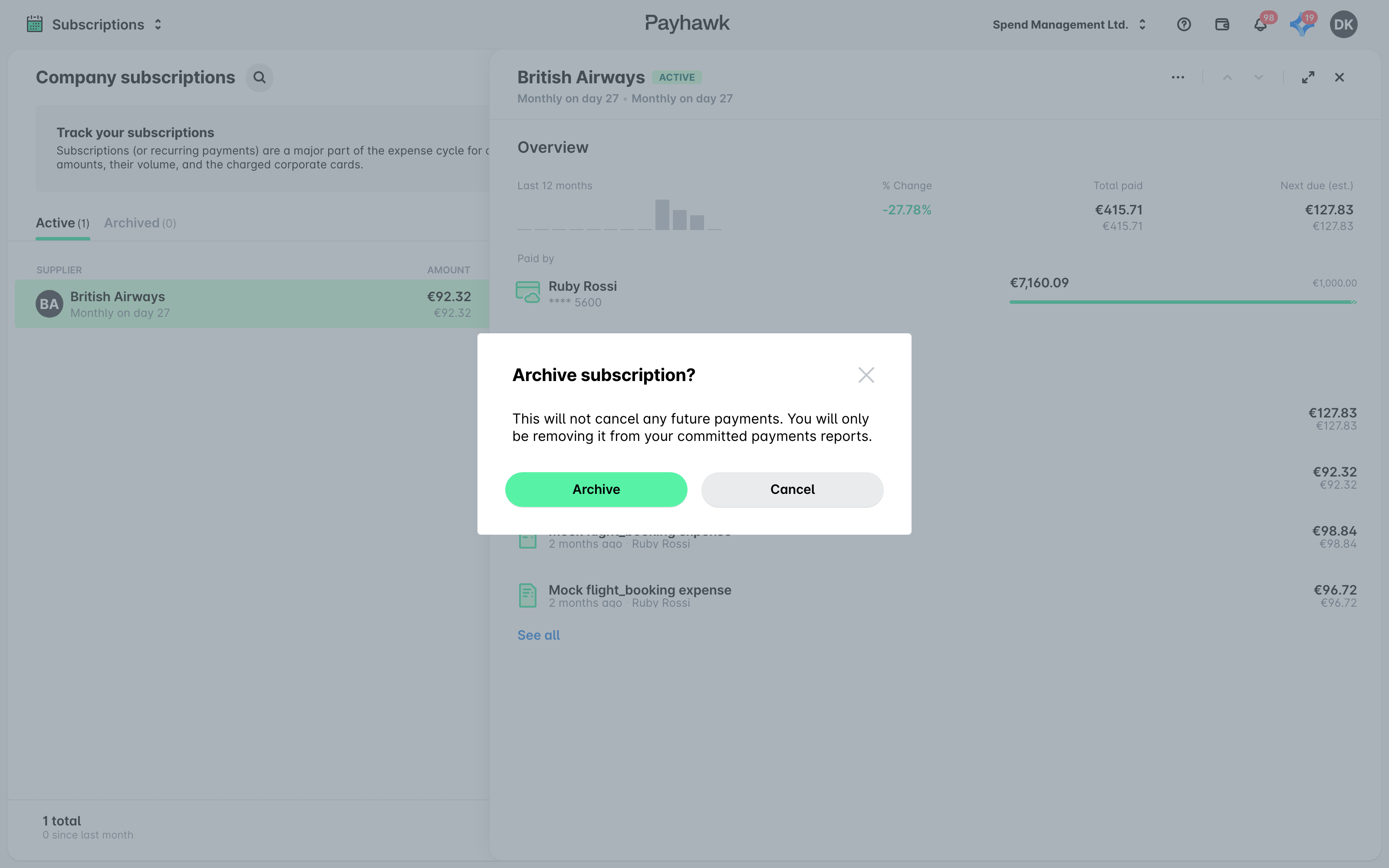
Archiving a subscription does not cancel any future payments to the supplier. It prevents employees from adding new expenses to it, removes it from committed payment reports, and moves it to the Archived tab.
To archive your subscription:
In the Payhawk Web Portal, open the app switcher in the top-left corner and go to Subscriptions.
Select the desired subscription.
Click on its three-dot menu and select Archive.
In the dialog that opens, click on Archive to confirm your choice.
Useful resources