After the bulk enrollment of company employee Visa cards, employees might not see their linked cards in Payhawk.
To view the cards, advise employees to do the following:
In the Payhawk Web Portal, open the app switcher in the top-left corner and go to Cards > Linked cards.
Click on Update linked cards.
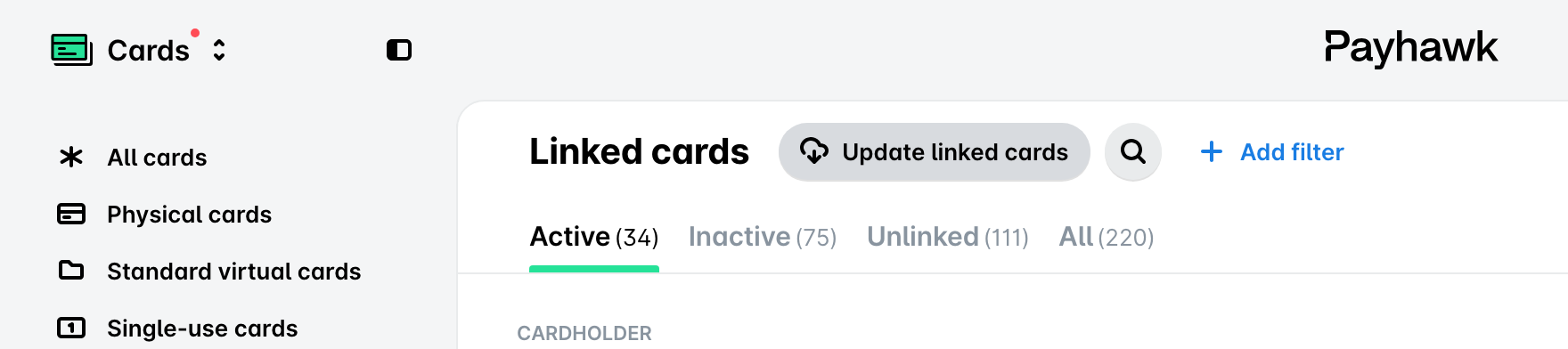
The refresh happens instantly, and missing cards are expected to appear right away.
If the issue persists, contact Payhawk Support.