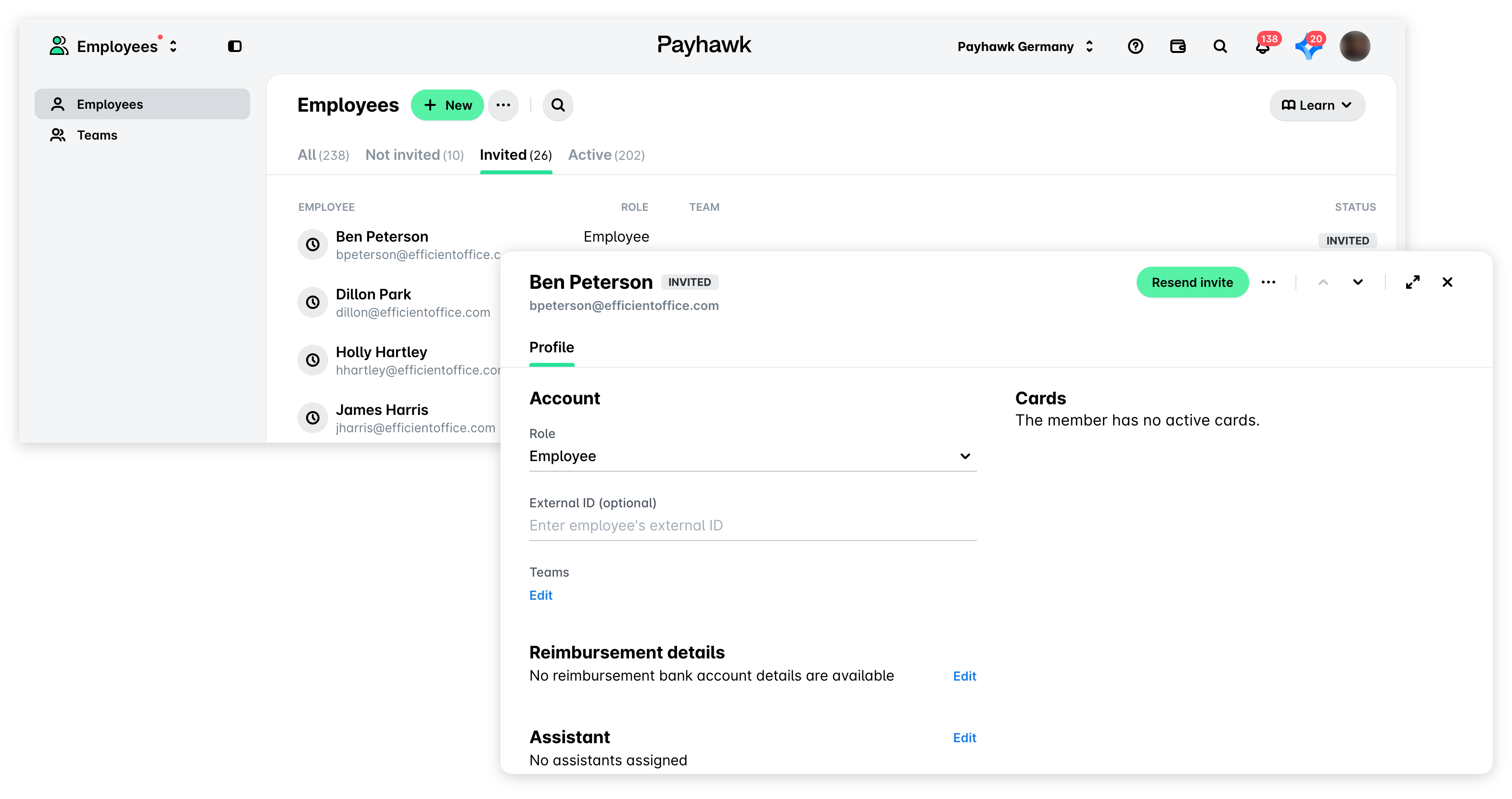
When you as a Payhawk Administrator invite your company's employees to Payhawk, they receive an email invite to register.
If during the next 5 days, an employee doesn't register with Payhawk, the email invite will expire and you'll need to resend it:
In the Payhawk Web Portal, open the app switcher in the top-left corner and go to the Employees > Employees > Invited tab.
Select the employee by clicking on their record.
Click on the Resend invite button.