The Payhawk-Sage Intacct integration enables you to sync your Sage Intacct chart of accounts, tax rates, and Sage Intacct classes and locations elegantly and efficiently.
It's recommended that you sync your integration before you push any changes.
To sync your account between the Payhawk and Sage Intacct systems:
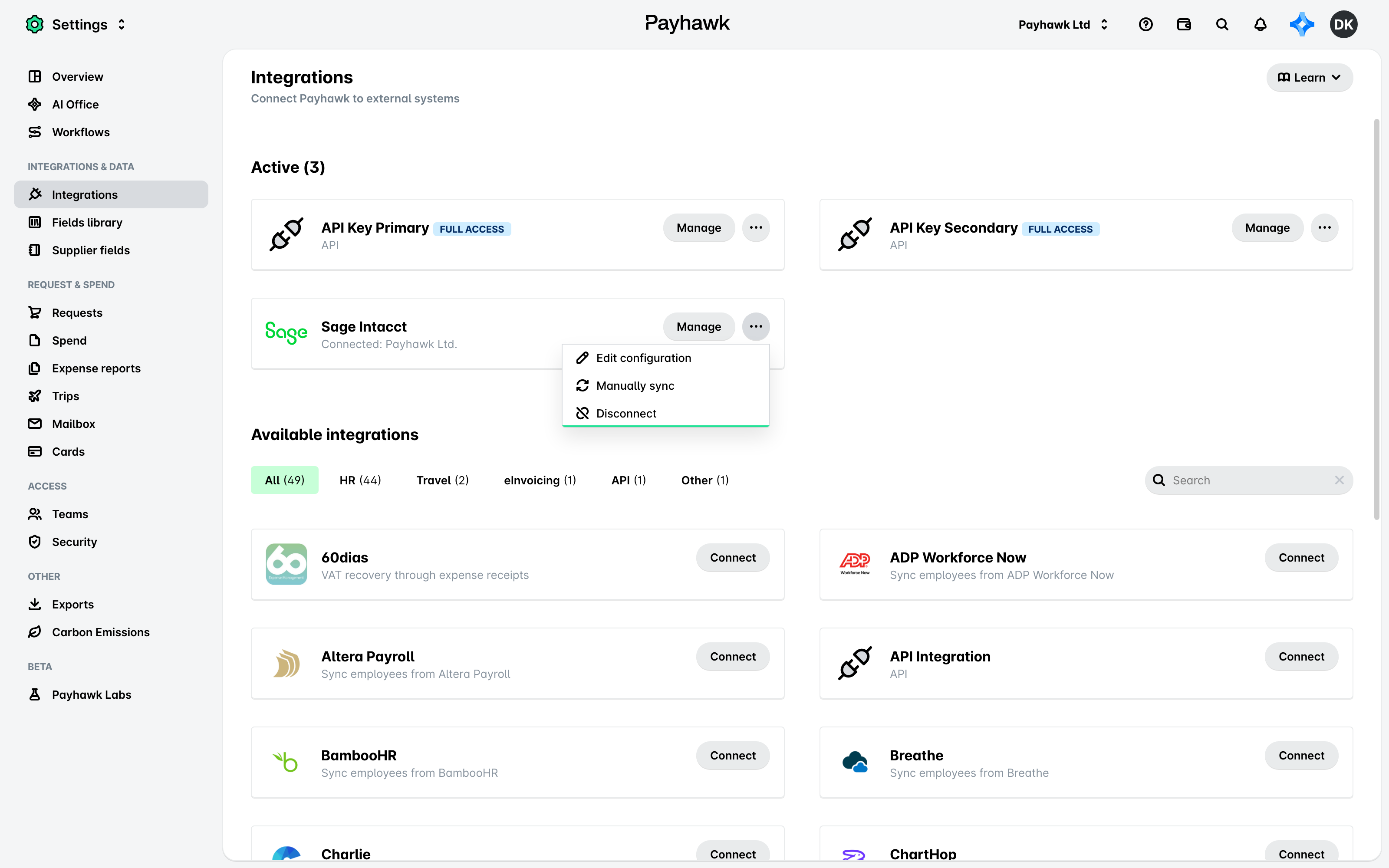
In the Payhawk Web Portal, open the app switcher in the top-left corner and go to Settings > Integrations.
On the Sage Intacct integration, click on the three dots menu and select Manually sync.
Next steps