After you've linked your Main American Express Card in Payhawk, you can start using it as a funding source and issue virtual American Express Cards on top of it.
You can start issuing virtual American Express Cards in Payhawk only after you have connected the two systems and linked a Main American Express Card that you'll use as their funding source.
For the terms and conventions on American Express Cards and Cardholders applied across Payhawk's help desk, refer to the guidelines section.
Notes on issuing virtual American Express Cards
Virtual American Express Cards cannot be issued in bulk.
For compliance reasons, each cardholder must activate their virtual American Express Card from the Payhawk Mobile App.
Expense authorizations and transactions related to virtual American Express Cards appear in real-time as card expenses in Spend > Card spend.
Virtual American Express Cards work with fund requests and spend policies in the same way as Payhawk cards do. The advanced card controls offer limited card controls for virtual American Express Cards in comparison to native Payhawk virtual cards, yet the provided card controls are managed the same way for all cards.
Issuing virtual Cards in the Web Portal
To issue a virtual American Express Card:
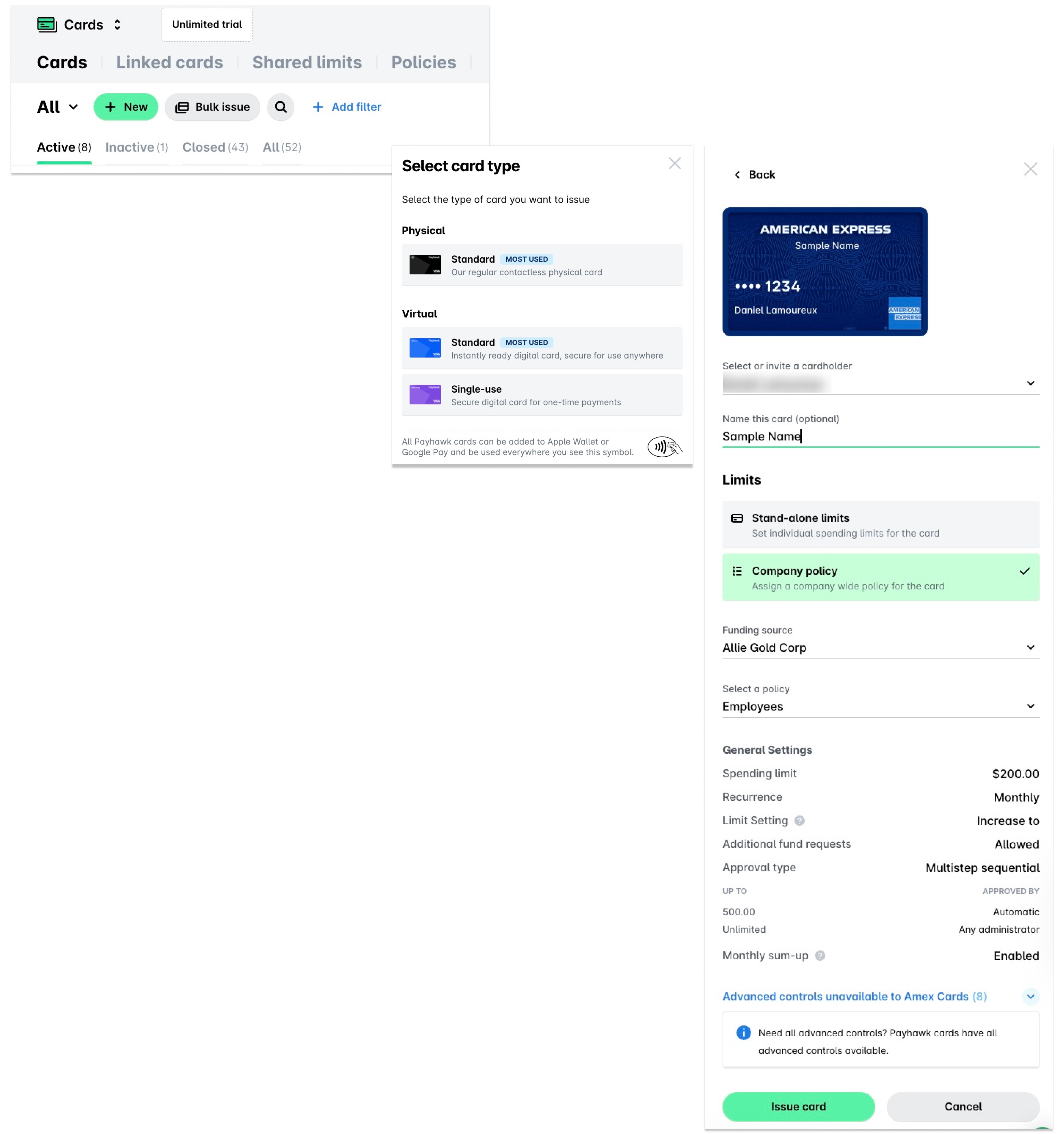
In the Payhawk Web Portal, open the app switcher in the top-left corner and go to Cards > Cards tab. Click on the New button and select the Virtual > Standard option.
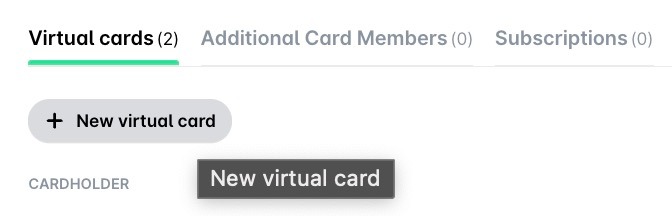
Alternatively, go to Cards > Linked cards, select the linked Main Card which you will use as the funding source of the virtual Card you want to issue, and, under Cardholders, click on the New virtual card button.
In the dialog that opens, select the employee assigned to the card. Note that Payhawk cards must not be issued to users with generic names such as Marketing or Administrator.
(Optional) Name the card.
Under Funding source, select one of the linked American Express cards. This option will be inactive if you've selected to issue the Card from the Linked cards tab.
Under Limits, select between a stand-alone monthly limit or a monthly limit based on an existing company spend policy.
For Cards with stand-alone limits, select the monthly recurring limit.
For Cards under existing company spend policies, select the policy to which you'll assign the card.
Click on Issue card. As a result, the issued virtual Cards will be listed under the Virtual Cards tab of the linked Main Card for you to view.
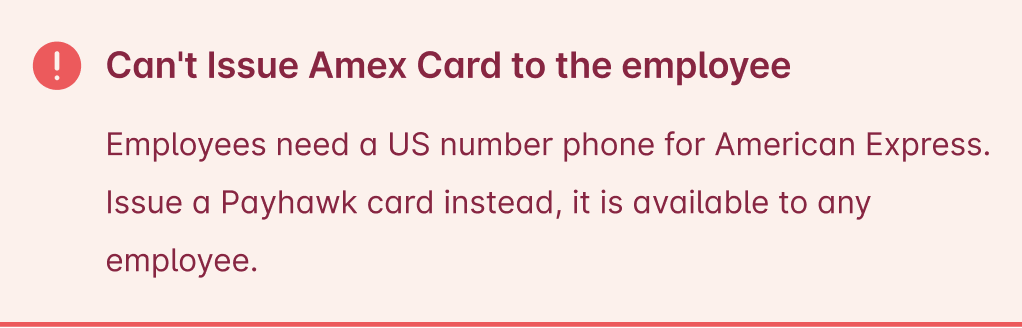
To be able to issue virtual Cards to employees, they must be registered with Payhawk with a US phone number, as the American Express Card feed linking in Payhawk is only available for US-based companies.
Useful resources