The Activity section for each fund, ATM withdrawal, and card request allows you to view any comments on that request, its approval status, and its change log with the respective updates. Thus, you can reconstruct the history of a request in the system.
The following information about comments to expenses and expense requests applies to comments for fund, ATM withdrawal, and card requests:
Viewing request comments in the Web Portal
To view the comments for a fund, ATM withdrawal, or card request:
In its Activity section, you'll see All (both Comments and Workflow) selected in the Show filter by default.
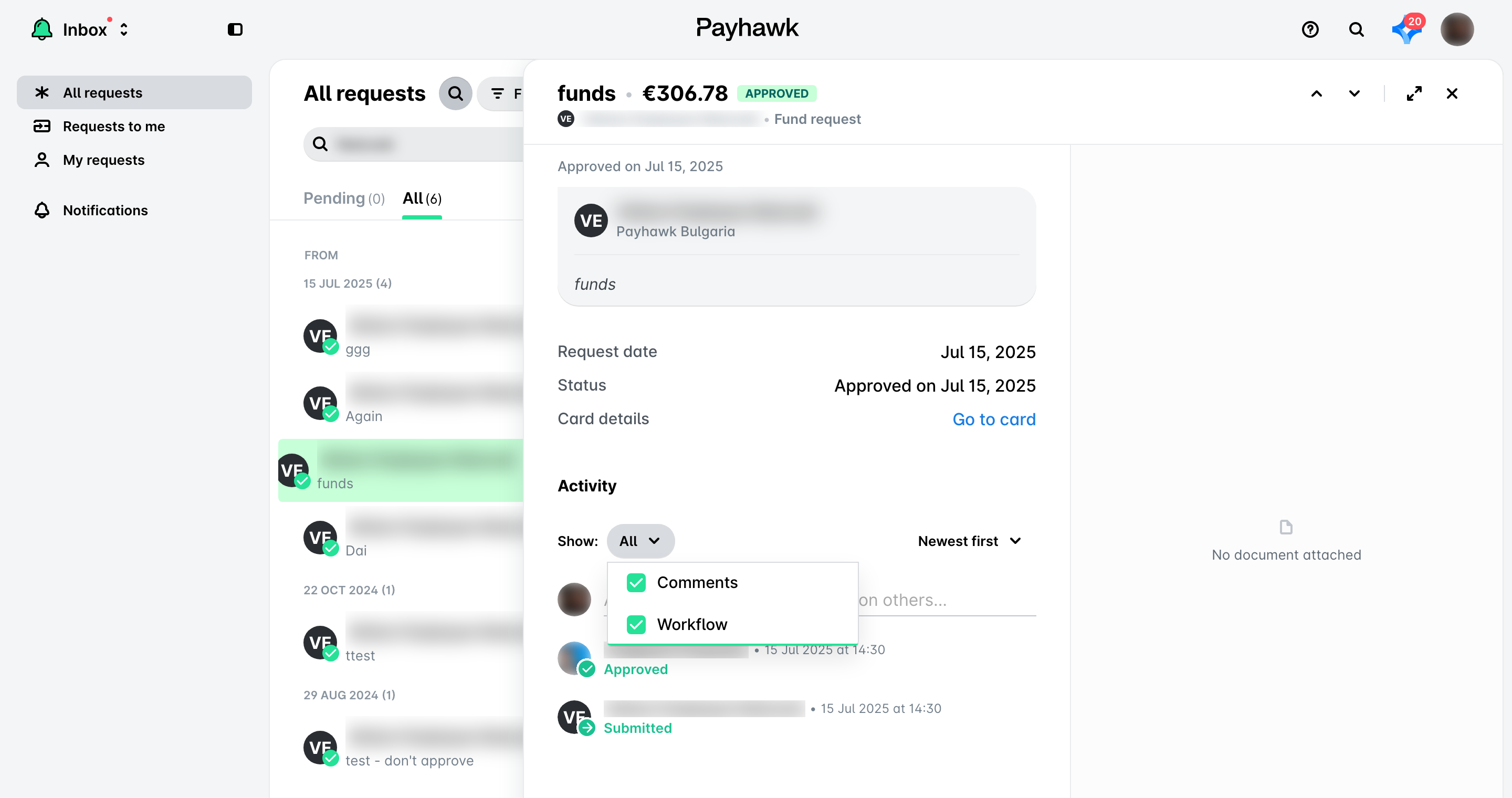
Viewing request workflow in the Web Portal
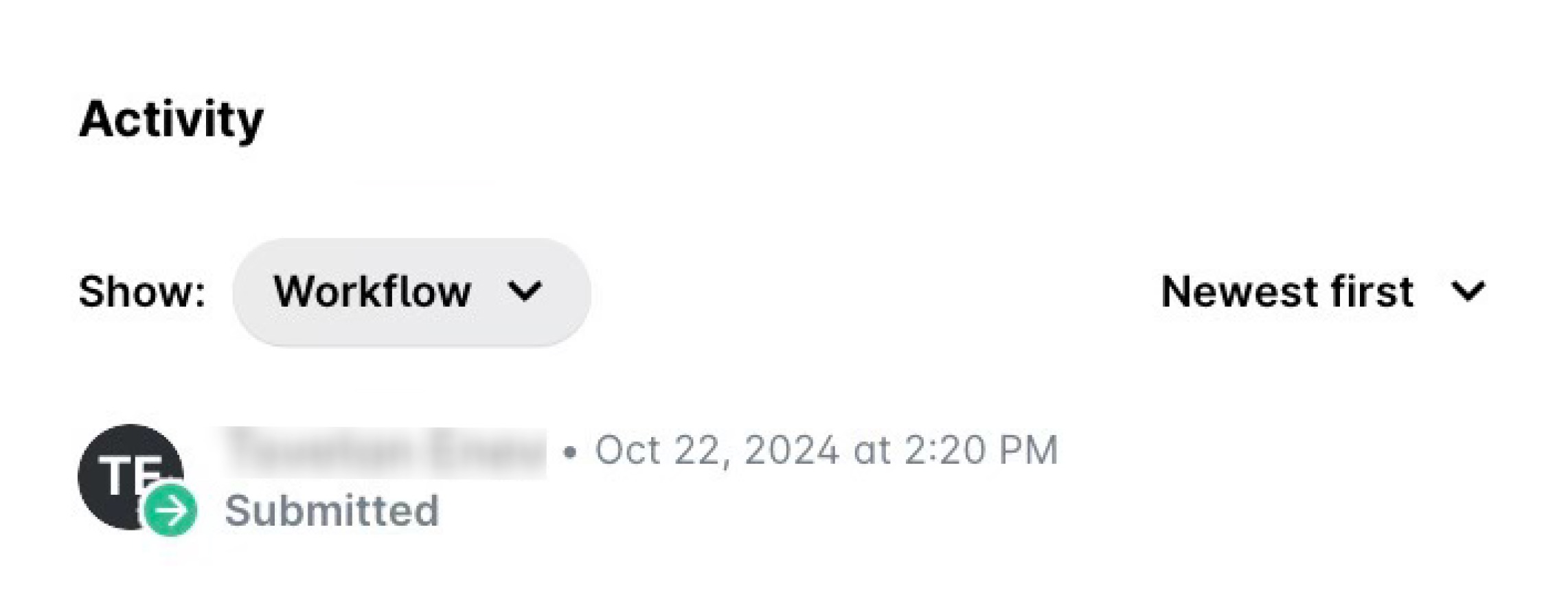
You can view the request workflow by selecting Workflow in the Show filter of its Activity section.
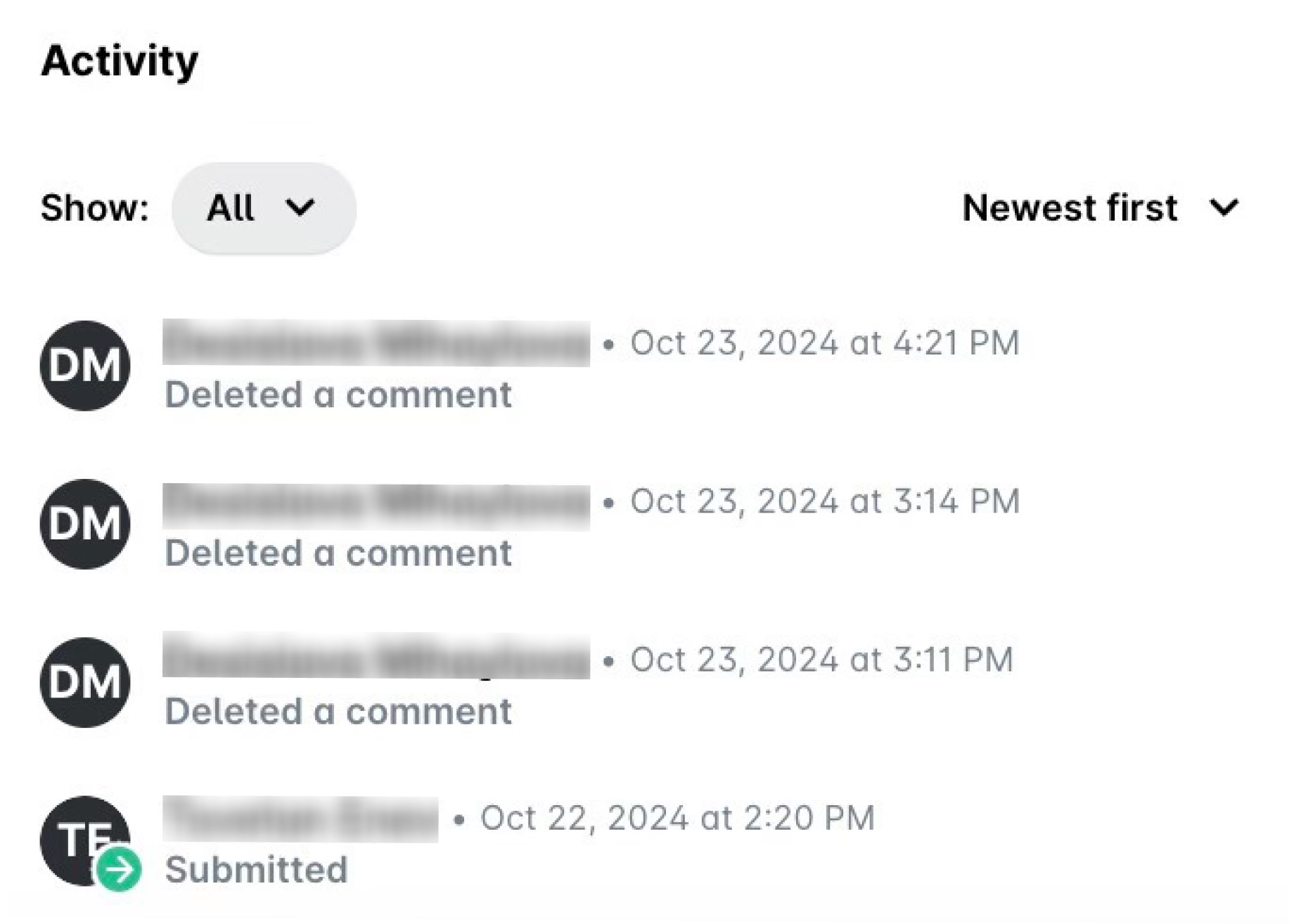
Viewing all request activities in the Web Portal
To view all combined activities for the fund, ATM withdrawal, or card request, select all options in the Show filter of its Activity section.
Viewing comments and request workflows in the Mobile App
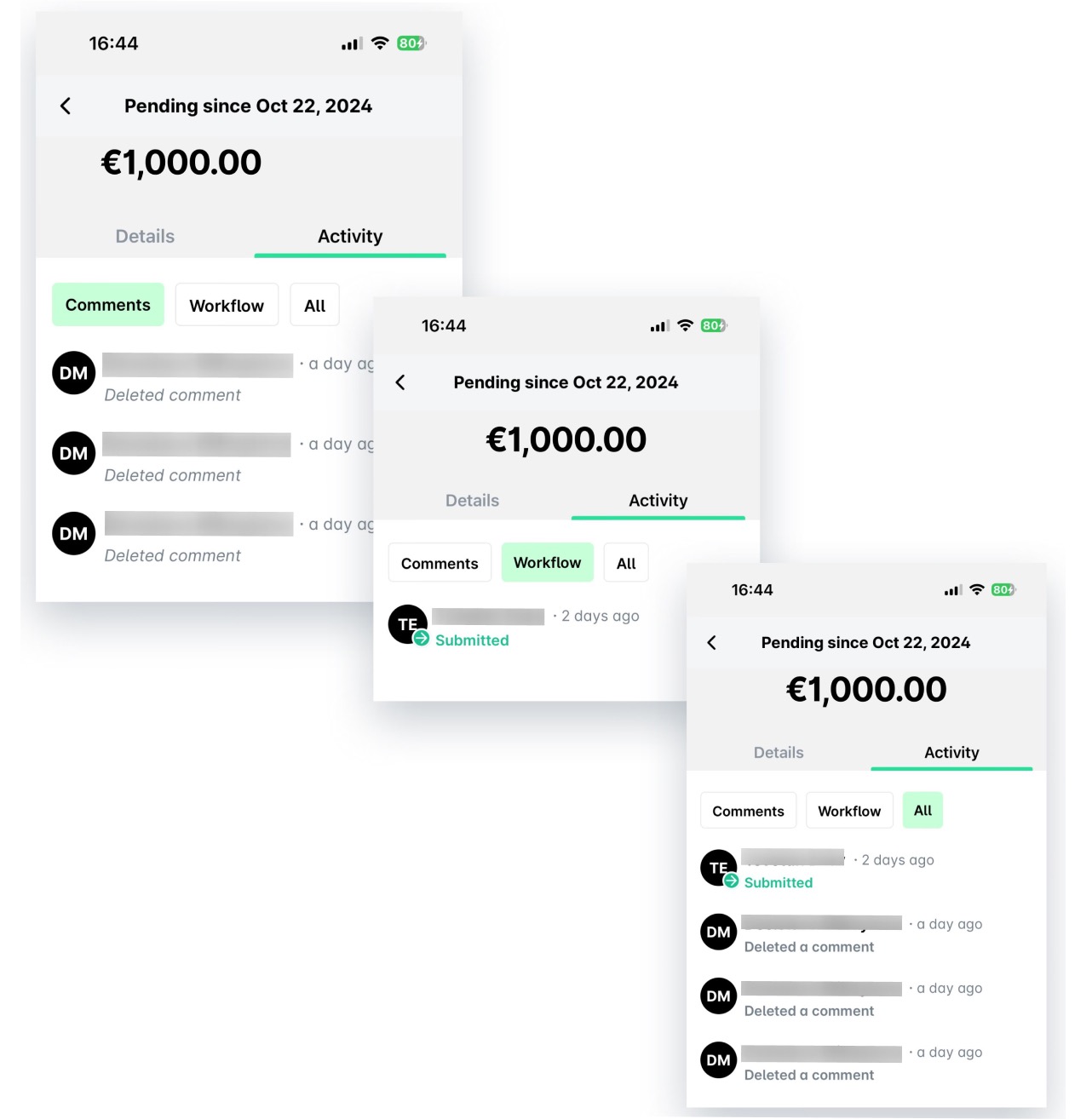
If you've been notified about a fund, ATM withdrawal, or card request comment, open your Inbox and tap on the notification. Alternatively, tap on the push notification you've received on your phone.
From your Inbox, you can view all comments for a request (Activity > Comments) and its workflow (Activity > Workflow), or all of these combined (Activity > All).
Useful resources